Choosing a hosting server can feel confusing, especially when there are many plans, locations, hardware options, and prices to compare. A low-cost plan may look good at first, but it may not have enough resources for your website, application, game server, AI project, or business system.
The Buyer’s Guides & Strategy category helps you make smarter hosting decisions before you spend money. It explains what to check, what to compare, and how to choose a hosting setup that fits your real needs.
These guides are made for beginners, developers, business owners, startups, and system administrators. Whether you need a small VPS, a powerful dedicated server, or a GPU machine for AI work, this category gives you practical information in simple language.
What You Will Learn
In this category, you will learn the main differences between common hosting options. This includes VPS hosting, dedicated servers, GPU servers, and AI hosting.
- A VPS is a virtual server that is usually a good starting point for websites, small applications, test environments, VPNs, bots, and lightweight services. It offers flexible resources and lower monthly costs.
- Dedicated servers give you an entire physical machine, which is useful when you need more power, stable performance, large storage, or full control.
- GPU servers are designed for high-demand work such as AI, machine learning, rendering, simulations, and data processing. PerLod provides VPS, dedicated servers, GPU machines, and AI hosting across more than 15 global locations.
The guides will help you understand when each option makes sense. For example, a small company website may run well on a VPS, while a busy database or large game server may need a dedicated machine. A model-training project may need a dedicated GPU server with enough GPU memory, RAM, storage, and network capacity.
Compare Server Specifications
Choosing a server is not only about looking at the monthly price. You also need to understand what you receive for that price.
The tutorials in this category will show you how to compare:
-
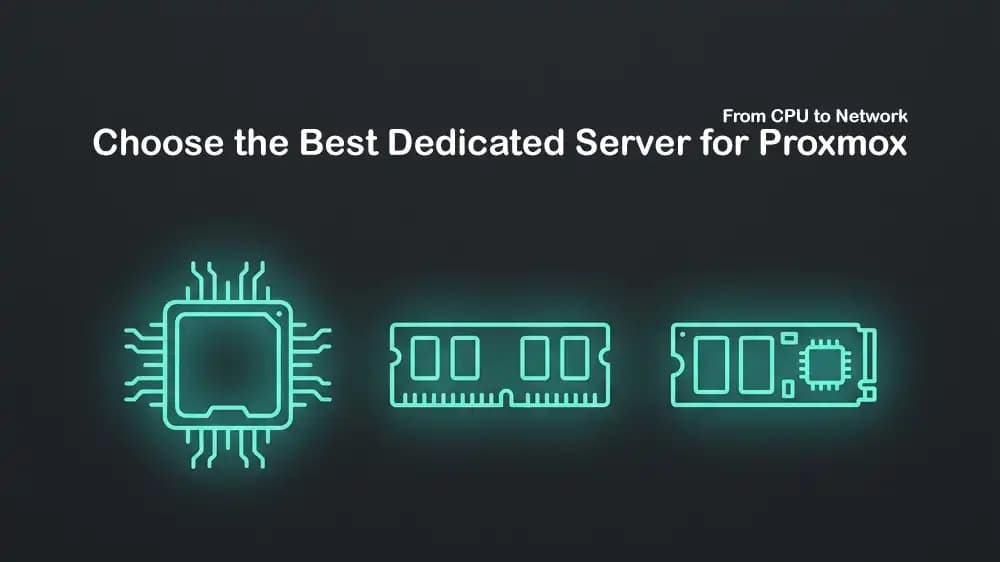
CPU model, core count, and processing speed
-
RAM size for applications, databases, and containers
-
SSD and NVMe storage for faster loading and data access
-
Storage capacity for backups, datasets, media, and logs
-
Network port speed and monthly bandwidth
-
Server location and expected network delay
-
Root access and operating system options
-
DDoS protection, backups, and support options
-
Monthly cost and possible add-on charges
For example, fast NVMe storage can make a major difference for database-heavy applications, while more RAM can be more important for a large number of Docker containers or virtual machines. GPU projects also need close attention to GPU type and VRAM, because these affect which AI models and workloads the server can run.
Choose the Right Server Type
One of the most useful parts of this category is learning how to match a server to your use case. You do not always need the most expensive option. The best choice is the one that provides enough resources today and leaves room for growth tomorrow.
A VPS is often a practical choice for a new project because it is flexible and lower cost. PerLod VPS hosting includes full root access and is aimed at developers, startups, and businesses that need scalable virtual servers.
A dedicated server is better when your workload needs full hardware access, consistent speed, high storage capacity, or stronger privacy. Since the hardware is not shared with other customers, dedicated servers are also useful for busy production systems and workloads that must run without unexpected slowdowns.
For AI and high-performance computing, a dedicated GPU server can be the right option. Unlike a GPU VPS, which may use shared hardware, a dedicated GPU server gives you the complete GPU and system resources. This can provide steadier performance for model training, rendering, simulations, and large data jobs.
Plan for Cost and Growth
Hosting costs should be planned based on your current needs and future growth. A cheap server that runs out of RAM or storage quickly can cost more later because moving services takes time and can cause downtime.
The guides in this category will help you estimate what resources you need before ordering. You will learn how to check current usage, plan for traffic growth, choose suitable storage, and avoid paying for resources you do not need. You will also find comparisons that explain fixed monthly server plans, usage-based cloud pricing, and hardware upgrades. This helps you create a clear budget for a personal project, startup, client application, or business service.
Make Better Hosting Decisions
Buyer’s Guides & Strategy is designed to help you buy with confidence. Instead of choosing a server based only on price or a list of technical terms, you will learn how to compare plans based on performance, location, reliability, security, and long-term value.
Each tutorial focuses on a clear question, such as whether you need a VPS or a dedicated server, how much RAM an application needs, which GPU is suitable for AI work, or how to select the best server location. The goal is to help you choose the right hosting infrastructure, avoid costly mistakes, and build a setup that can support your project as it grows.