Security & Hardening is a tutorial category for people who want to protect their servers, websites, applications, and data from unwanted access, attacks, and common mistakes.
Every internet-connected server can be scanned or targeted. Automated bots look for weak passwords, open ports, old software, exposed databases, and unsafe settings. A new VPS or dedicated server may work immediately after deployment, but it is not fully secure by default. Taking time to configure basic security settings can reduce risk and help keep your services available.
This category provides practical guides for securing VPS hosting, dedicated servers, GPU servers, web applications, containers, and self-hosted tools. The tutorials use clear language and focus on steps that you can apply to a new server or an existing production environment.
It is useful for beginners managing their first Linux server, developers deploying applications, businesses running online services, and system administrators responsible for larger infrastructure.
What You Will Learn
The tutorials in this category explain the key parts of server security. You will learn how to control access, reduce exposed services, keep software updated, protect data, and monitor for suspicious activity.
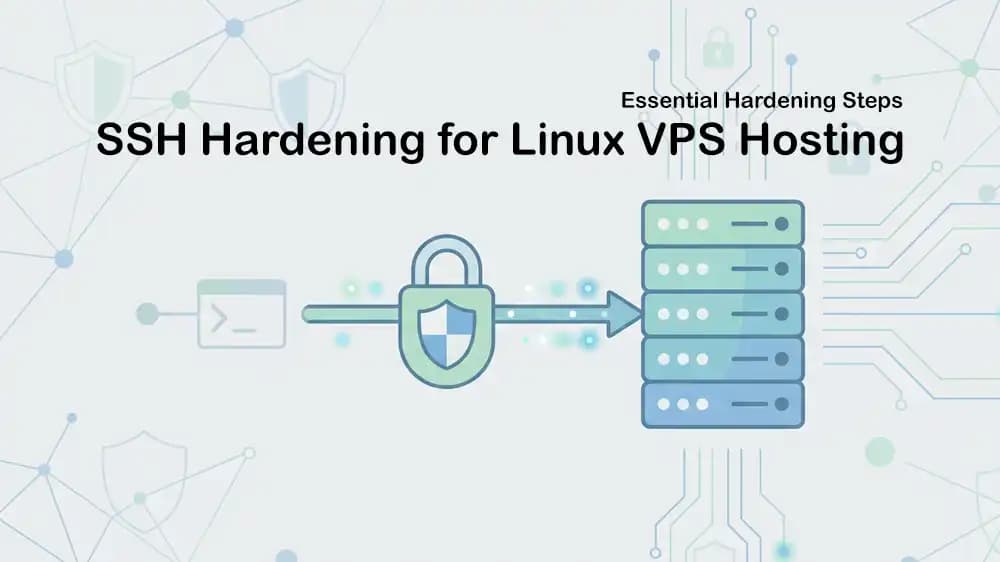
A secure server starts with knowing who can log in and what they can access. You will learn how to create separate user accounts, avoid using the root account for daily work, use strong passwords, and set up SSH keys. SSH keys are safer than password-only logins because they are much harder for attackers to guess.
You will also learn how to disable direct root login, block password-based SSH access when keys are ready, and change or limit remote access settings. These steps make it harder for automated login attacks to reach your server.
The guides will cover important security topics, including:
-
Securing SSH access with keys and safe user accounts
-
Disabling unsafe login methods and unused services
-
Setting up UFW, iptables, or nftables firewall rules
-
Opening only the ports your applications need
-
Protecting websites with HTTPS and SSL certificates
-
Keeping Linux packages, applications, and containers updated
-
Using fail2ban to limit repeated login attempts
-
Creating backups and testing recovery steps
-
Managing user permissions and private API keys
-
Monitoring logs, services, and suspicious activity
-
Protecting domains with DNSSEC and web applications with a WAF
-
Preparing for DDoS attacks and traffic spikes
Secure Access and Firewall Rules
Many server attacks begin with an exposed service. The safest way is to allow only the traffic your server truly needs.
For example, a public web server may need ports 80 and 443 open for website traffic. SSH access may use port 22, but it should be limited to trusted users or trusted IP addresses when possible. Database ports such as MySQL or PostgreSQL should usually stay private and should not be open to the public internet.
This category includes tutorials for building firewall rules that block unwanted traffic while allowing your real services to work. You will learn how to check open ports, close unused ports, and test rules safely so you do not lock yourself out of your own server.
PerLod VPS and dedicated server plans provide full root or administrator access, which gives you full control of your security setup. PerLod also provides firewall protection, DDoS mitigation, and real-time threat monitoring included with its server services.
Protect Websites and Applications
Server security is not only about SSH and firewalls. Websites, APIs, dashboards, databases, and containerised applications also need protection.
The tutorials will explain how to use reverse proxies, HTTPS certificates, secure headers, access limits, and web application firewalls. A web application firewall, often called a WAF, can inspect incoming traffic and help block harmful requests before they reach your application.
You also learn how to protect your domain with DNSSEC. DNSSEC helps verify DNS records and reduces the risk of some DNS attacks. PerLod’s DNSSEC and WAF tutorial covers enabling DNSSEC, applying WAF rules, blocking unwanted IP addresses, rate limiting requests, and testing the final configuration.
Other guides focus on securing Docker containers, keeping secrets out of source code, protecting databases, limiting API access, and separating public-facing services from private internal systems.
Monitor, Back Up, and Recover
Strong security also means being ready for problems. Logs, alerts, backups, and recovery plans help you detect unusual activity and restore services if something goes wrong.
This category will show you how to check system logs, review failed login attempts, monitor storage usage, and set alerts for unexpected changes. You can learn how to use tools such as journalctl, fail2ban-client, ss, and log monitoring services to see what is happening on your server.
Backups are essential. A firewall can reduce risk, but it cannot protect against every problem, including accidental file deletion, failed updates, software bugs, or a compromised application. Tutorials will explain how to create regular backups for websites, databases, configuration files, and important user data. They will also explain why you should test restoring a backup instead of only assuming it works.
Build a Safer Foundation
Security & Hardening Tutorials help you create a stronger base for every server project. You will learn how to secure access, control network traffic, protect web applications, keep systems updated, and recover from problems.
The goal is not to make a server impossible to attack, and no system can promise that. The goal is to reduce common risks, limit damage if something happens, and give you clear steps for keeping your services and data safer over time.