
Smooth RDP Experience
Low latency Windows RDP VPS with stable connectivity so your remote desktop feels fast and responsive.
NVMe Windows VPS and RDP VPS with latest-gen CPUs for everyday work and always-on apps.
Launch a remote Windows desktop in minutes and keep it online 24/7 for office software, browsers and automation tools. Choose Windows Server 2016–2025 or a desktop-optimized Windows Server build on the same NVMe Windows VPS platform with plans that scale as you grow.
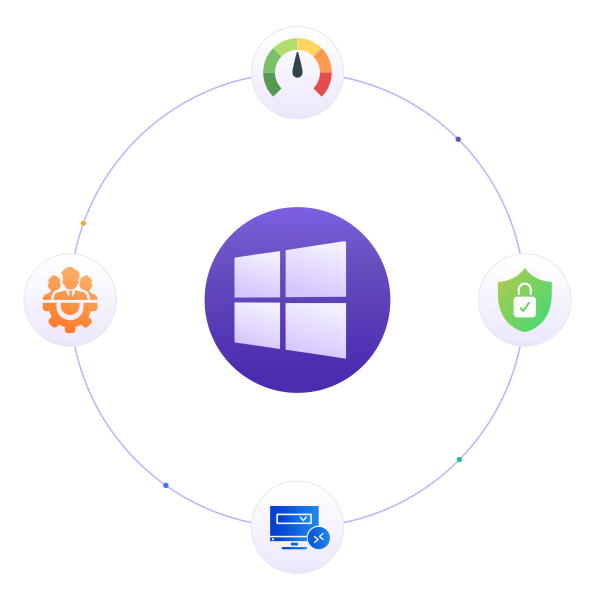
Remote desktop VPS built for smooth RDP sessions, fast storage and simple scaling as your needs grow.
Low latency Windows RDP VPS with stable connectivity so your remote desktop feels fast and responsive.

Windows VPS on NVMe storage and latest-gen CPUs for quick boots, snappy apps and reliable performance.

Start with a cheap Windows VPS and upgrade resources later without surprise fees or complicated billing.
Cheap Windows VPS on NVMe storage and modern CPUs for smooth RDP sessions.
Save up to 12% with annual billing
Smooth Access for Light Tasks
Built for Business Applications
Built for Business Applications
Ready for Heavy Windows Workloads
Choose desktop or server editions for your Windows VPS and RDP workloads.
Deploy Windows Server editions or desktop Windows versions based on your workload. Choose the right environment for RDP access, Microsoft-based applications, testing, automation, or production use.
Select a Windows version to view more details.
Use your Windows VPS as a flexible base for remote desktop, business apps, testing, and automation across your workflow.

Use a Windows VPS as a remote desktop where you keep tools, files and sessions online, even when your local PC is off.

Run accounting, CRM or internal business tools on a Windows VPS so teams can reach them securely from different locations.

Use a Windows VPS for browser tasks and GUI automation that need a stable environment instead of relying on one office PC.

Keep admin consoles, management tools and remote utilities on a Windows VPS dedicated to monitoring and managing your infrastructure.

Set up a Windows VPS for testing desktop apps, tools or .NET projects without changing your main workstation setup.

Use your Windows VPS as a central jump host so you first log in there, then reach other servers and desktops more securely.
Platform benefits included with every PerLod Windows VPS.

Quickly deploy apps with one-click installs.

Reliable help from experts anytime you need it.

Your infrastructure runs on secure, data-safe systems.

Pay with USDT or USDC for simple checkout.
Key features that keep your Windows VPS and RDP sessions fast, stable and easy to manage.

Connect over RDP to a responsive Windows desktop that stays online for your daily work and tools.

Use administrator access and a web console to fix firewall rules, services or network settings when needed.

Run Windows VPS on NVMe storage so apps open faster, reboots are quicker and updates feel smoother.

KVM virtualization keeps CPU, RAM and disk usage isolated so other tenants cannot slow your Windows VPS.

Network level DDoS filtering helps protect your Windows VPS and RDP access from common attack patterns.

Each Windows VPS includes dedicated IPv4 with access to multiple regions for lower latency RDP sessions.
Control your Windows VPS from a simple panel with RDP ready access.
Use the PerLod panel to reboot, reinstall, open console access and monitor basic resource usage for your Windows VPS in a few clicks. When something breaks or RDP doesn’t behave as expected, our team helps with platform issues and essential Windows guidance so you can get back to work quickly.

Run everyday remote desktop tasks, business software and testing environments on one Windows VPS platform.
Use PerLod Windows VPS hosting as a remote desktop VPS for a smooth RDP workspace, always-on office tools and dedicated environments for your Windows applications. Keep a remote desktop online for browsing, email, accounting or CRM software, or spin up Windows Server and desktop-optimized Windows Server instances for testing and admin tasks without relying on local hardware.
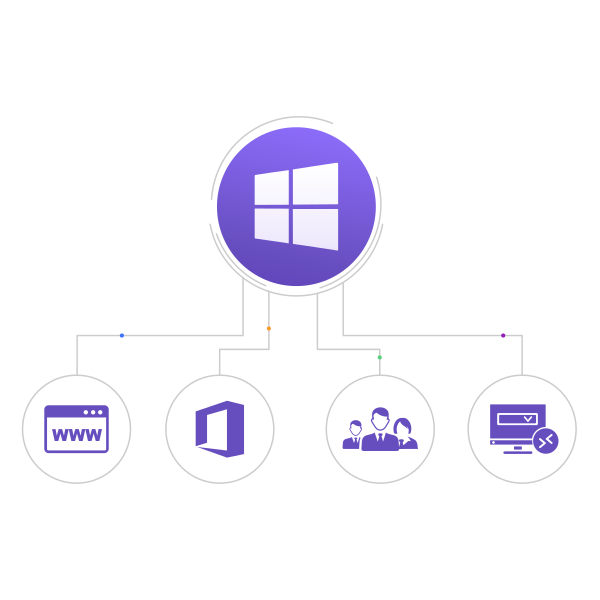
Answers to common questions about Windows VPS, RDP access and supported versions.
Windows VPS hosting gives you an isolated virtual server environment with Windows, dedicated resources, and full administrative control. It is a practical choice for remote desktop use, business applications, Windows-based software, development environments, and other workloads that need more flexibility and stability than shared hosting.
Basic Windows VPS is a strong option for users who want solid performance at a more budget-friendly level. Premium Windows VPS is built for higher quality and smoother performance, with stronger infrastructure, better resource quality, and dedicated resources for users who need a more serious environment. Both lines use NVMe storage and 10 Gbps networking, but Premium is designed for users who want a higher-end experience.
If you want a cost-effective Windows VPS for regular use, Basic Windows VPS is a good place to start. If you need a smoother and higher-quality environment for more important workloads, Premium Windows VPS is the better choice. The right option depends on how performance-sensitive your applications are and how much consistency you need.
Our Windows VPS plans are unmanaged by default, which gives you full control over the server environment. If you need additional help, you can also purchase a higher support tier such as Professional Support for extra management assistance.
No. Windows Server 2019 Desktop and Windows Server 2025 Desktop are licensed Windows Server-based VPS environments configured for desktop and RDP use. They provide a familiar Windows 10-style or modern Windows 11-style interface, but they are not consumer editions of Windows 10 or Windows 11. These environments are designed for browser tasks, business applications, automation tools, trading platforms, lightweight software, and everyday remote work rather than consumer PC features or server management roles.
All Windows VPS plans are delivered instantly in normal cases, so you can start using the server right after ordering. This makes them a good fit for users who need fast deployment for remote work, software use, testing, business tasks, or time-sensitive projects.
PerLod supports flexible payment methods for Windows VPS, including major cards and cryptocurrency. You can pay with options such as Visa or choose crypto if you prefer a faster and more flexible payment method.
Can't find an answer to your question? Submit request
Pick a Windows VPS plan and start using smooth RDP in minutes.