Networking & Connectivity is a tutorial category for anyone who wants to build, secure, and manage reliable server networks. It covers the main tools and settings that allow servers, applications, users, and services to communicate safely over the internet or through private networks.
A server is only useful when people and systems can reach it. Whether you are hosting a website, running a VPN, connecting office systems, managing containers, deploying a game server, or building a private cloud, your network setup affects speed, security, and reliability.
This category helps you understand networking. The tutorials focus on practical tasks, clear examples, and real server use cases. They are useful for beginners who are setting up their first VPS as well as developers and system administrators managing larger environments.
What You Will Learn
The guides in this category explain the building blocks of server networking. You will learn how IP addresses, ports, protocols, DNS, routing, firewalls, and network interfaces work together.
You will also learn how to connect to a server safely, open only the ports your services need, and reduce the risk of unwanted access. For example, a web server normally needs ports 80 and 443 open for HTTP and HTTPS traffic, while SSH access usually uses port 22. A good firewall setup allows the required traffic while blocking everything else.
The tutorials will cover important networking topics such as:
-
Setting up IPv4 and IPv6 connectivity
-
Configuring DNS records for websites and applications
-
Managing firewall rules with UFW, iptables, or nftables
-
Creating secure VPN connections with WireGuard or OpenVPN
-
Setting up private networks between servers
-
Configuring reverse proxies and load balancers
-
Managing ports, routes, and network interfaces
-
Improving speed, latency, and connection reliability
-
Finding and fixing common network problems
-
Protecting services from attacks and unwanted traffic
PerLod servers include dual-stack IPv4 and IPv6 connectivity, and its locations use high-bandwidth uplinks ranging from 1 Gbps to 20 Gbps. This gives users a strong base for services that need reliable public connectivity.
Build Secure Server Networks
Security is one of the most important parts of networking. A server with an open or poorly configured network can expose private files, applications, databases, and customer data.
This category includes tutorials that show how to secure remote access with SSH keys, disable unsafe login methods, create firewall rules, and limit access to trusted IP addresses. You will learn how to separate public services from private systems, so internal databases and dashboards are not exposed directly to the internet.
You can also learn how to build secure VPN networks. A VPN creates an encrypted connection between your device and your server, or between servers in different locations. This is useful for remote teams, private admin panels, internal tools, site-to-site connections, and secure access to self-hosted services.
For example, a WireGuard tutorial may show how to create a private network between two servers. Once connected, the servers can communicate through private IP addresses instead of sending sensitive traffic over the public internet.
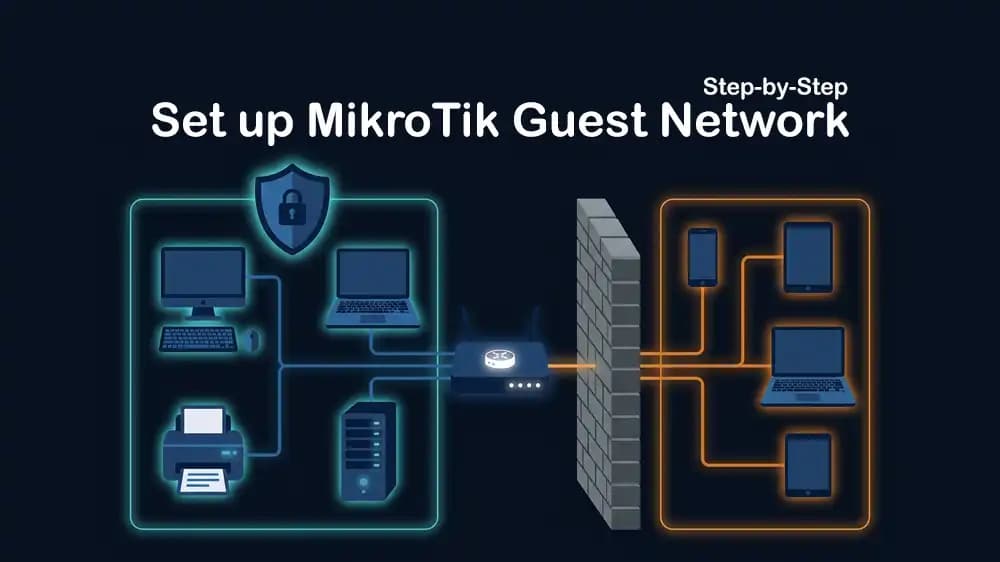
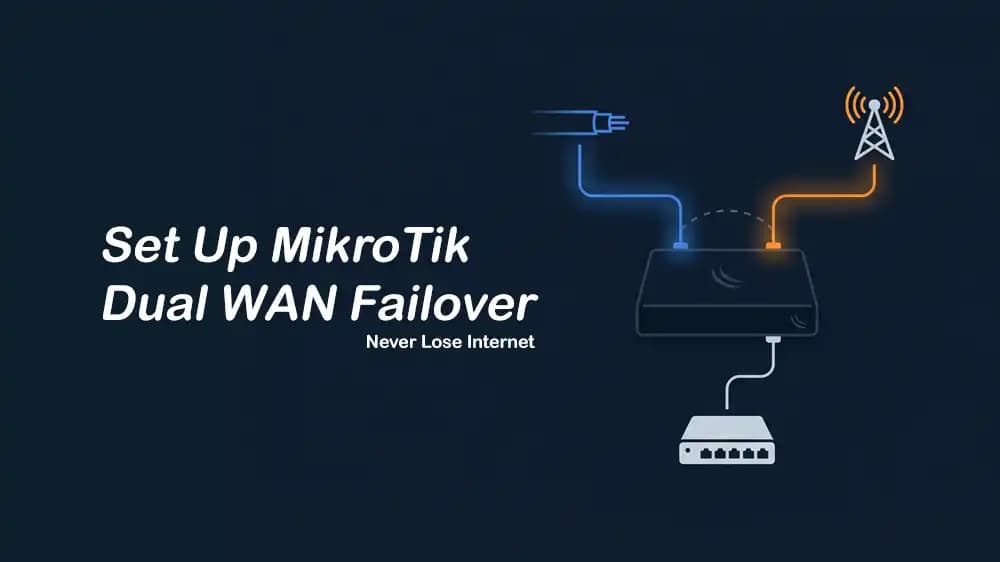
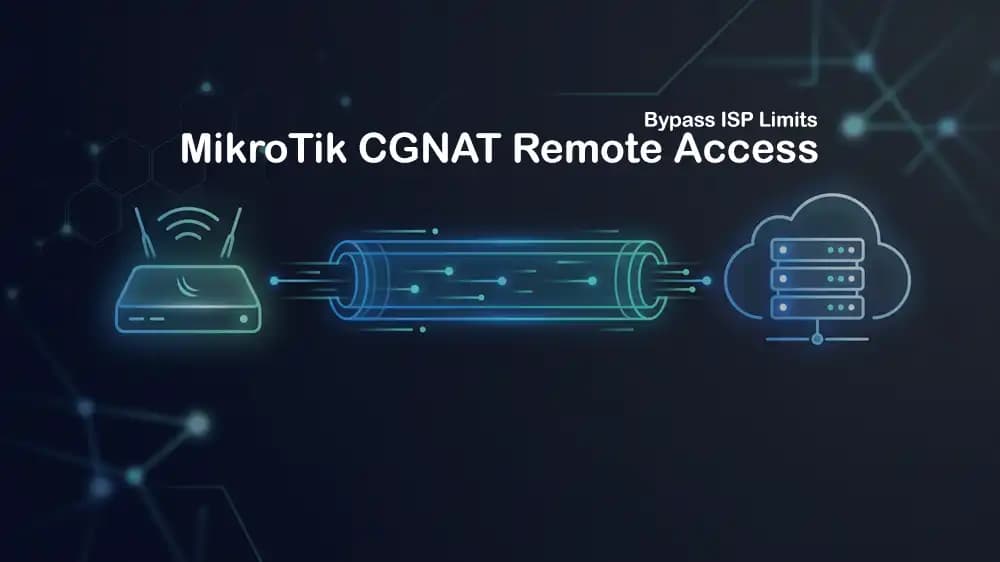
MikroTik VPS hosting can also be used for custom networking projects such as VPN servers, firewalls, and private proxy setups, with full control over the server and its network rules.
Improve Speed and Reliability
Networking is not only about allowing traffic. It is also about making sure traffic moves quickly and reliably. Server location, routing, port speed, latency, and network settings can all affect how users experience your website or application.
The tutorials will explain how to select a server location close to your visitors or customers. A shorter network path usually means lower delay and faster responses. This matters for websites, gaming, voice services, APIs, remote desktops, and real-time applications.
You will also learn how to test your network using tools such as ping, traceroute, mtr, curl, ss, and iperf3. These tools help you check delay, identify packet loss, measure bandwidth, and find where a connection problem may be happening.
Some guides will cover Linux network tuning for busy applications. This can include improving TCP settings, using modern traffic controls, increasing connection limits, and setting buffer sizes for high-speed links. PerLod’s network-tuning guide highlights BBR congestion control, FQ queue management, and TCP buffers sized for real bandwidth and latency conditions.
Protect Public Services
Public-facing services can receive unwanted traffic, login attempts, scanning, and denial-of-service attacks. This category will help you understand the basic steps needed to protect websites, APIs, VPN endpoints, game servers, and other internet-facing applications.
You will find guides for firewall hardening, rate limiting, access controls, fail2ban, reverse proxies, and DDoS protection. These controls reduce the chance that an attack or sudden traffic spike will make your service unavailable.
PerLod states that its servers include DDoS protection, firewalls, and real-time threat monitoring. Its VPS services also include DDoS protection and support deployment in locations closer to users for lower latency.
Build With Confidence
Networking & Connectivity Tutorials help you create a stable and secure foundation for every server project. The guides will help you connect systems safely, control traffic, improve performance, and solve problems when services cannot reach each other.
Whether you are configuring a basic firewall, deploying a private VPN, connecting multiple servers, improving website response times, or managing a larger network, this category gives you practical guidance you can apply to real infrastructure.