Tutorials
In-depth technical tutorials, guides, and infrastructure best practices.

Qdrant Optimization Guide: Snapshots, RAM Tuning, and Secure Public Access
Qdrant runs best when snapshots are scheduled, enough RAM is available, and public access is protected. Use API keys, HTTPS, and a reverse proxy instead of exposing the database port directly.
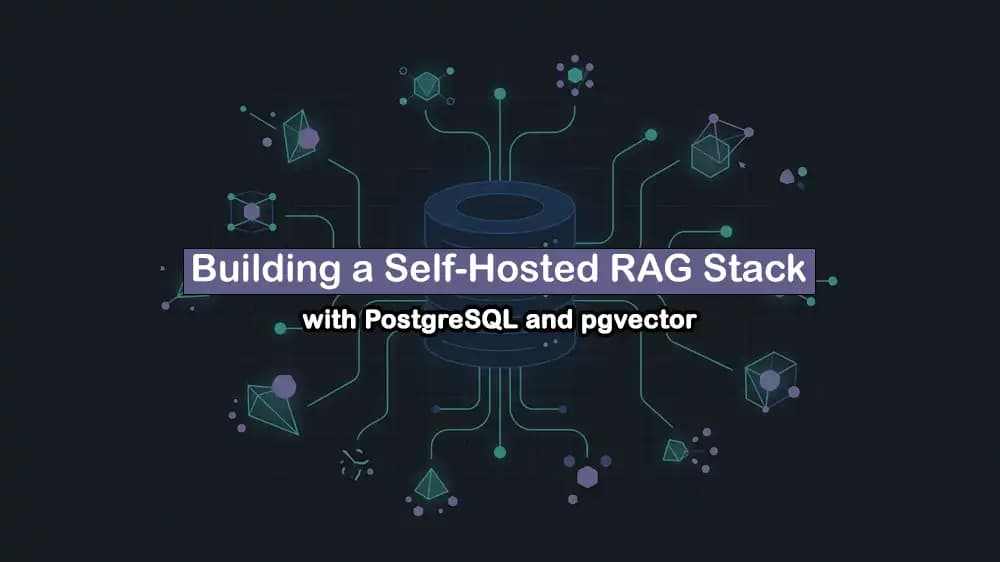
How to Install pgvector on PostgreSQL for a Self-Hosted RAG Stack
pgvector lets PostgreSQL store and search AI embeddings in the same database as your app data. It is a simple choice for a self-hosted RAG stack when you want fewer services to manage.
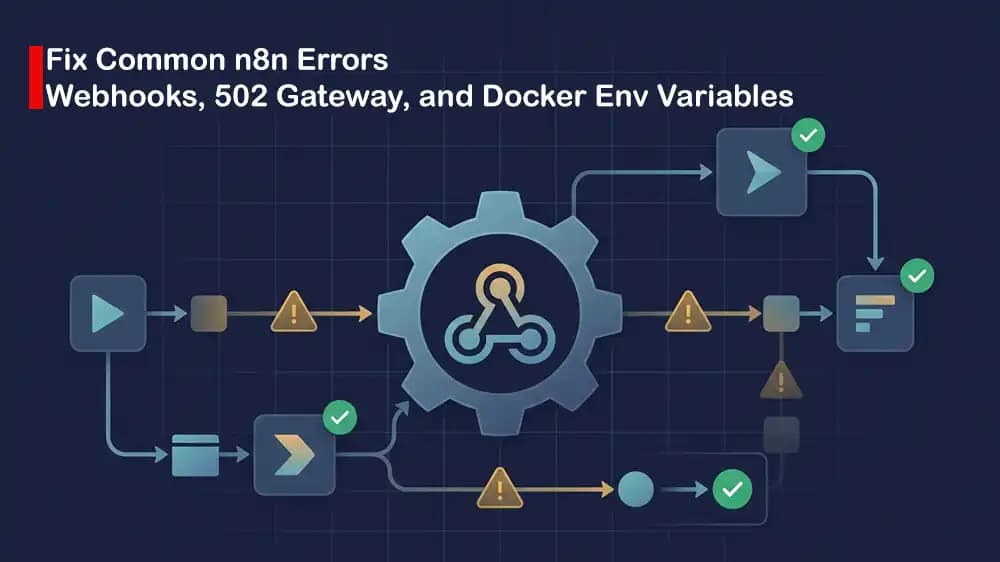
n8n Troubleshooting: Fix Webhooks, Execution Timeouts, and Reverse Proxy Errors
Most n8n issues are caused by wrong webhook URLs, short timeout settings, or reverse proxy headers. Check the public URL, proxy settings, and container logs before changing workflows.
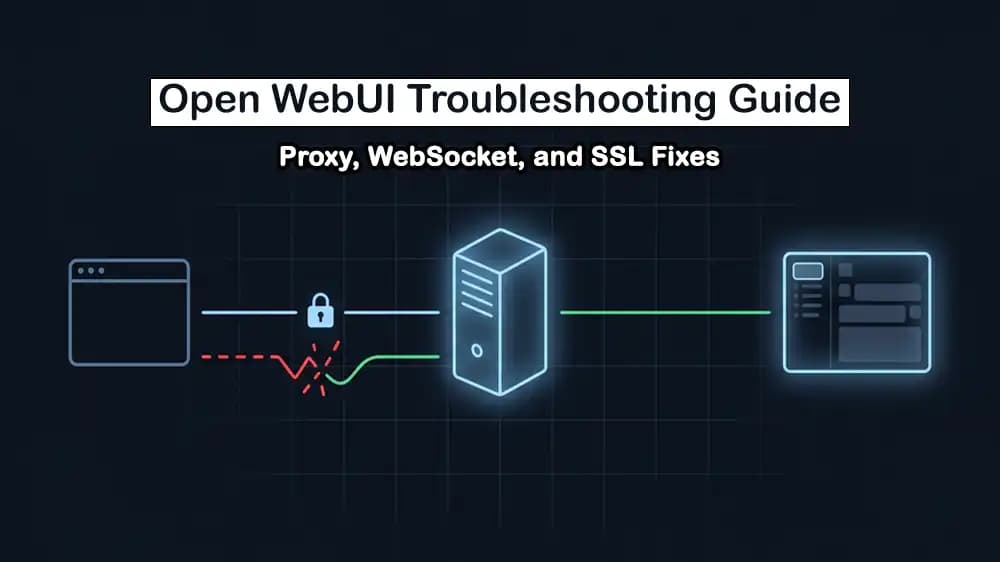
Fix Open WebUI Connection Errors, WebSocket Failures, and HTTPS Proxy
Open WebUI connection problems usually come from incorrect backend URLs, missing WebSocket support, or proxy HTTPS settings. Check the Ollama URL, forward WebSocket headers, and make sure the site uses the correct public address.
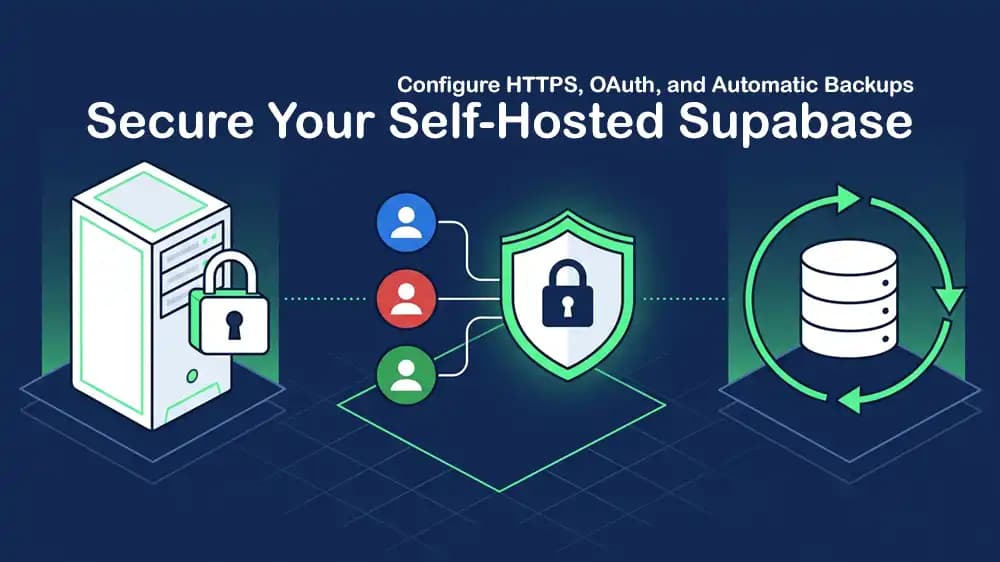
Configure HTTPS, OAuth, and Backups for Self-Hosted Supabase
A secure self-hosted Supabase setup needs HTTPS, correctly configured OAuth redirect URLs, and regular backups of PostgreSQL data and storage files. Test restores regularly so backups are useful when you need them.

Dokploy Troubleshooting Guide: Fix SSL, Reverse Proxy, and Failed Deployments
Dokploy errors often come from DNS records, SSL setup, proxy rules, or missing app variables. Check domain routing and deployment logs first to find the failed step quickly.
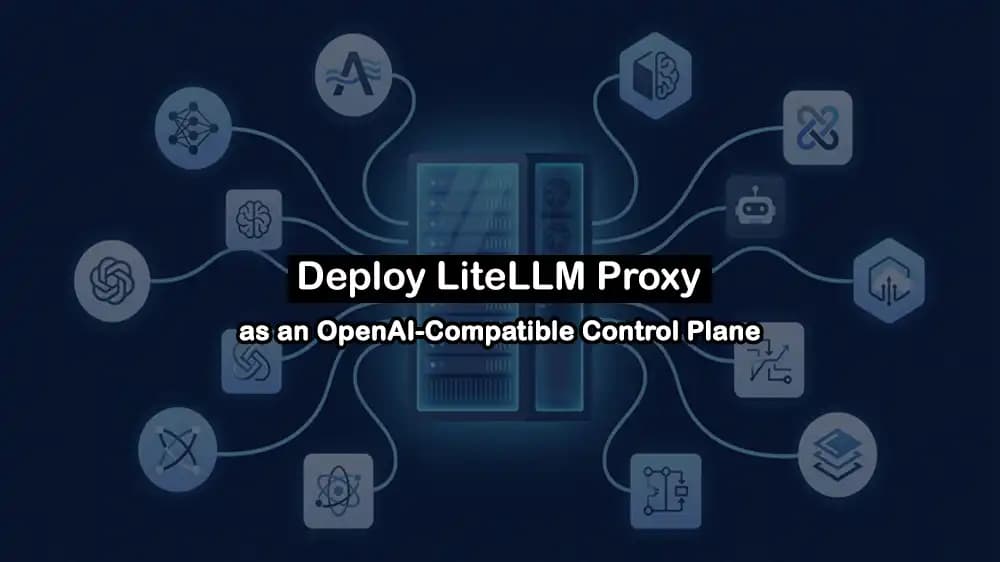
How to Deploy LiteLLM Proxy on a VPS for a Unified OpenAI-Compatible API
LiteLLM Proxy gives your apps one OpenAI-compatible API for different AI providers and models. Deploying it on a VPS makes it easier to manage API keys, model access, and usage in one place.
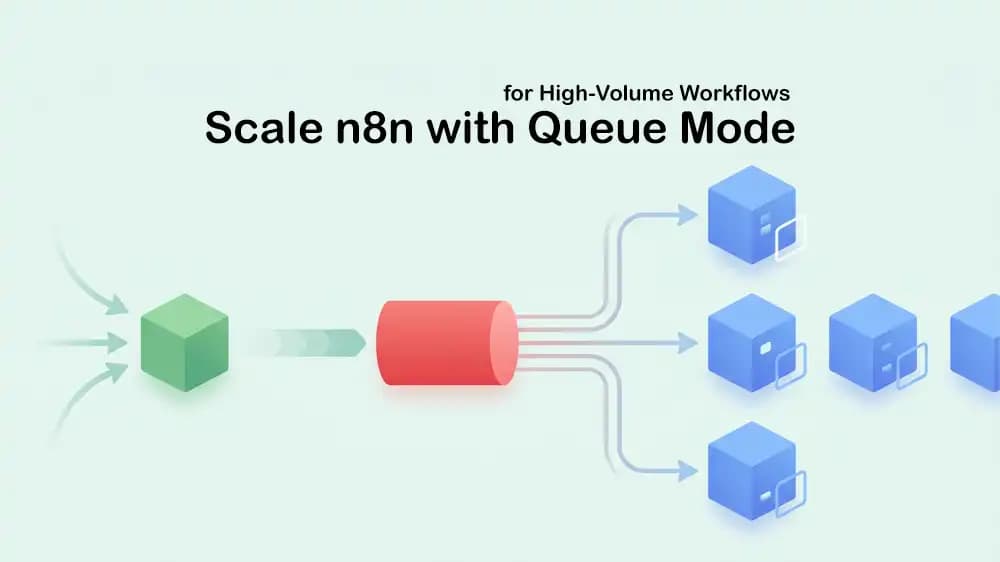
How to Scale n8n in Queue Mode
n8n Queue Mode moves workflow jobs to Redis, while worker containers run them in parallel. Start with one or two workers, monitor the queue, and add more workers when executions begin to wait.
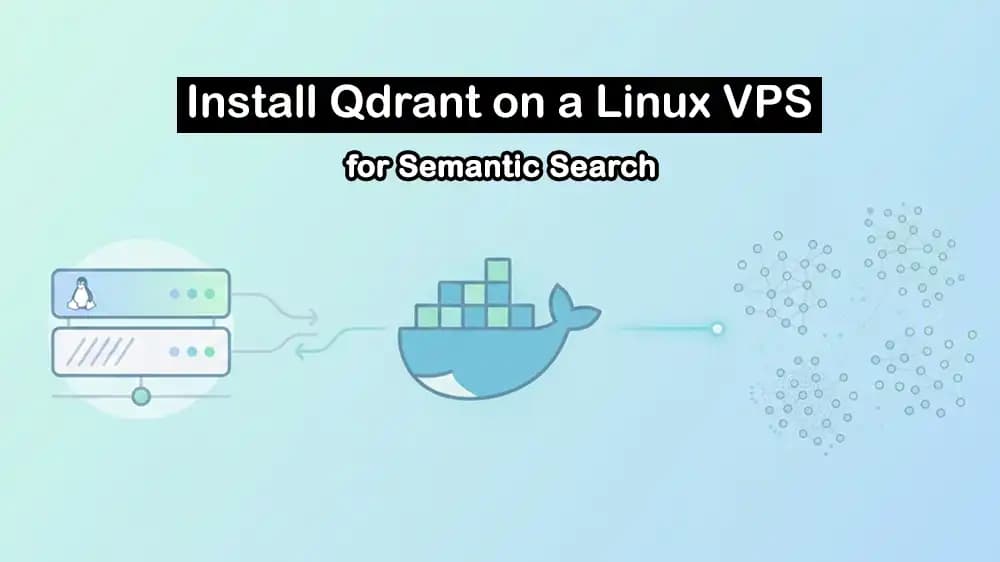
Install Qdrant on a Linux VPS and Build a RAG-Ready Vector Database
Qdrant stores document embeddings so your RAG app can find useful context before sending a prompt to an AI model. Run it with persistent storage, protect access with an API key, and create collections that match your embedding model size.
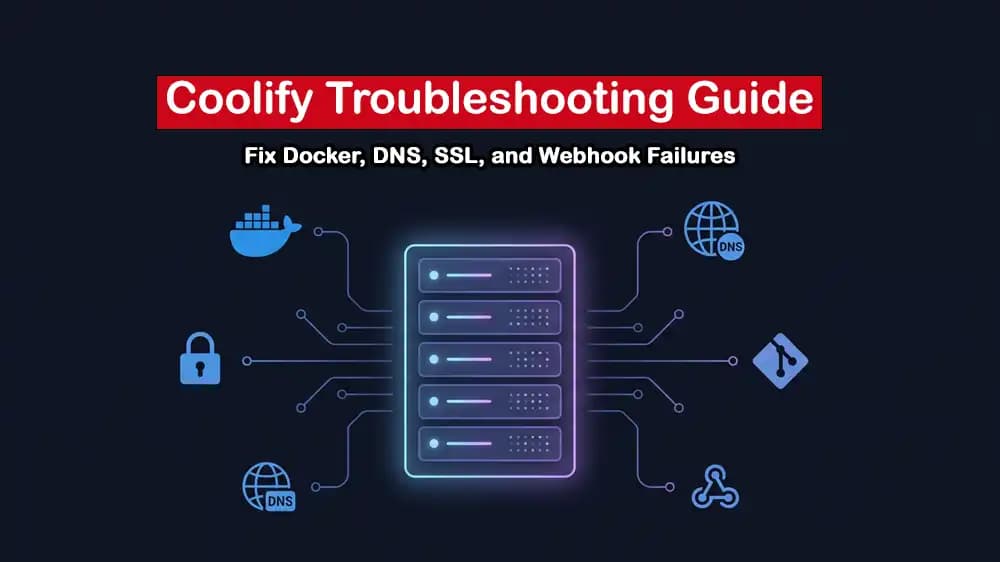
Fix Coolify Issues: Docker Failures, DNS and Let's Encrypt Errors, Webhook Bugs
Coolify issues start with Docker logs, wrong DNS records, or blocked ports 80 and 443. Check the failed deployment step, confirm the domain points to your server, and review webhook delivery logs when auto-deploy does not run.
How to Install Dokploy on a Linux VPS and Deploy Docker Compose Apps
Dokploy makes it easier to deploy Docker Compose apps from one dashboard. Install it on a VPS, connect your Git repository, add your Compose file, and use a domain with HTTPS for public access.
Run Supabase on Your Own Server with Docker Compose
Self-hosting Supabase with Docker Compose gives you control over Postgres, Auth, Storage, and the API on your own server. Set strong secrets, keep database data on persistent storage, and place the stack behind HTTPS before using it in production.