Tutorials
In-depth technical tutorials, guides, and infrastructure best practices.

Self‑Hosted AI Chat on Ubuntu: Open WebUI plus Ollama Setup
Open WebUI gives you a simple browser chat interface, while Ollama runs AI models on your Ubuntu server. Keep model and app data on persistent storage, then use HTTPS and login protection before opening it to the internet.
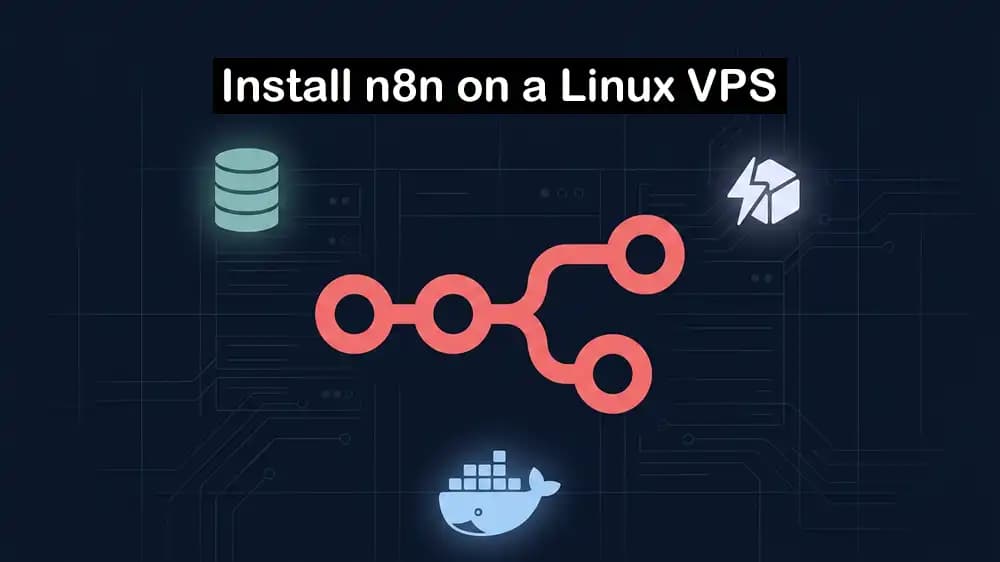
How to Install n8n on a VPS Using Docker Compose, Postgres, and Redis
Docker Compose keeps n8n, Postgres, and Redis in one manageable stack on your VPS. Use Postgres for workflow data and Redis for queue mode when you need workers to handle more executions.

How to Install Coolify on Ubuntu VPS and Deploy Your First App
Coolify lets you deploy an app from a Git repository without managing every Docker command yourself. Install it on an Ubuntu VPS, connect your repository, set the app port and domain, then deploy after DNS points to the server.

How to Set Up a MikroTik Hotspot for Your Business Step-by-Step
A MikroTik Hotspot creates a guest Wi‑Fi login page so you can control who uses your internet. Use a separate guest network, set up DHCP and user accounts, then test the login page before giving access to customers.
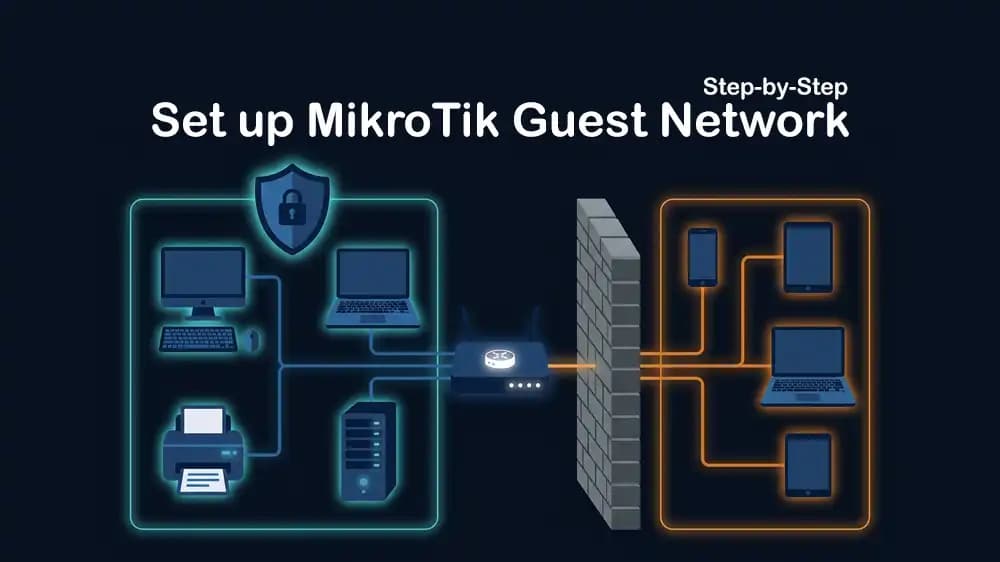
How to Set Up a Guest WiFi Network on MikroTik Step-by-Step
A guest WiFi network should use its own subnet or VLAN, with separate DHCP settings. Add firewall rules that block guests from reaching your main network but still allow internet access.
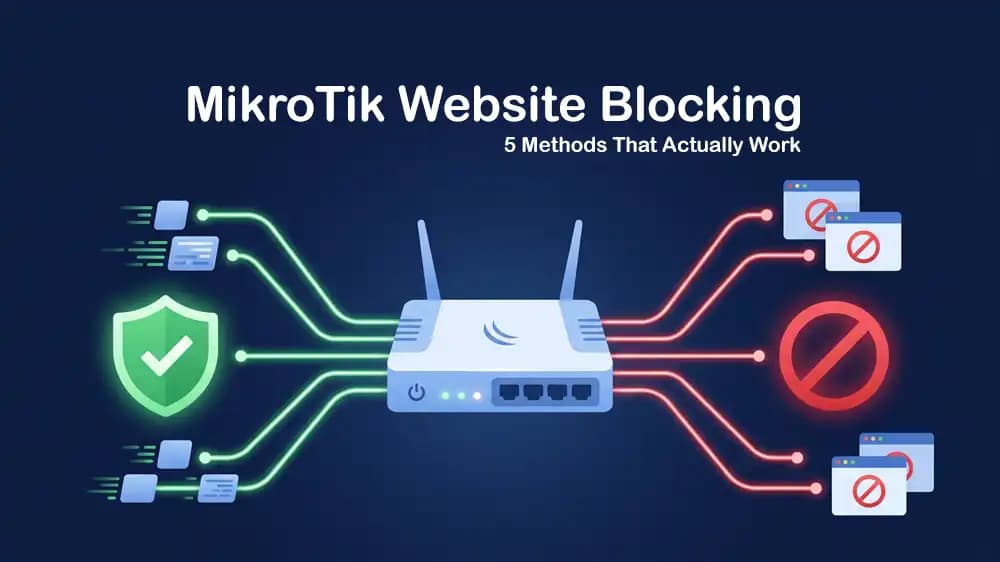
How to Block Websites and Adult Content on MikroTik RouterOS
Use a family-safe DNS service to block adult sites across your network, then force devices to use your router for DNS. For specific websites, add RouterOS firewall or DNS rules, but remember that HTTPS makes simple URL blocking less reliable.

Proxmox Hardware Planning: Pick the Right CPU, RAM, NVMe, and Network
Plan Proxmox hardware based on your virtual machines, not only the host. Choose a CPU with virtualization support, leave enough RAM for each VM and container, use fast NVMe storage, and add faster or separate network links as your storage and traffic grow.
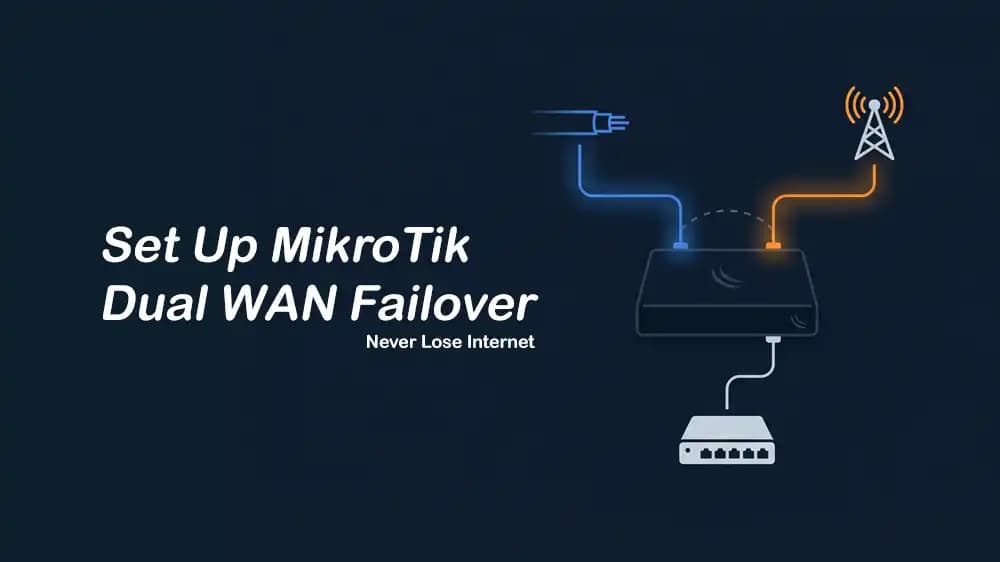
MikroTik Dual WAN Failover Setup for Home and Small Office Internet
Dual WAN failover switches to backup internet when the main link fails. Set route priority, enable gateway checks, and test it.
Best VPS for GitLab Self-Managed: When a Small Team Should Leave GitHub SaaS
Move from GitHub SaaS to self-managed GitLab when your team needs full control over code, CI, and data. For a small team, start with a VPS that has enough RAM, fast NVMe storage, and separate CI runners.
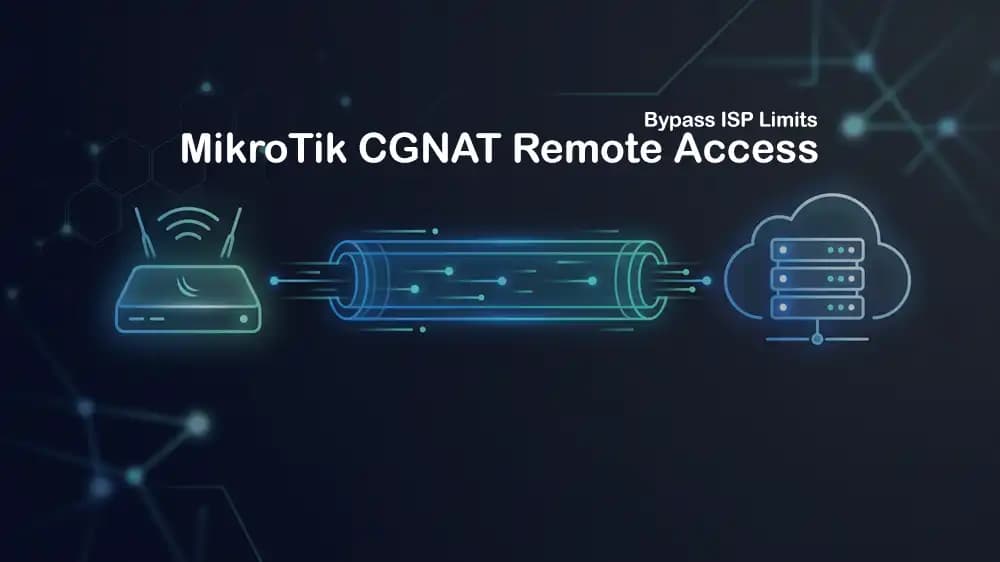
How to Access Your Home Network Behind CGNAT with MikroTik RouterOS
CGNAT blocks direct remote access to your home network. Use WireGuard with a small VPS as the public server, then connect your MikroTik to it from inside your network.

Choose the Right Infrastructure for Speech and Voice AI
Choose speech AI infrastructure based on model size, user count, and response speed. Use GPUs with enough VRAM, fast storage for models, and low-latency networking for real-time voice apps.
Prioritize Remote Work Traffic on Your MikroTik Router
Use MikroTik queues to give video calls and work apps higher priority than downloads. This keeps remote work stable when your internet link is busy.